TestFlight Beta
Presenting Clavis.
A privacy-first conference check-in system for iOS. Import attendees, scan QR codes, print badges, and sync across devices — all without exposing personal data.
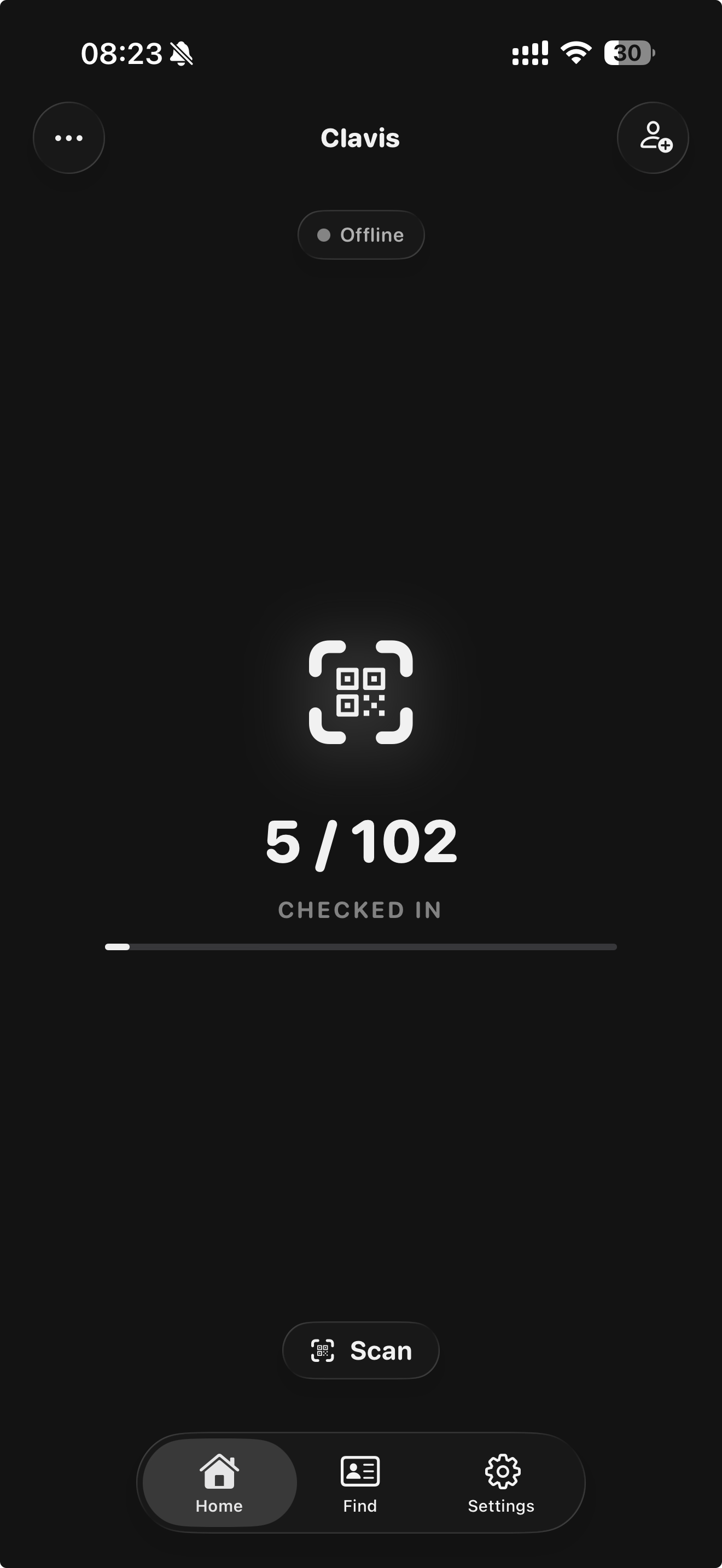
A privacy-first conference check-in system for iOS. Import attendees, scan QR codes, print badges, and sync across devices — all without exposing personal data.
Features
Real-time QR code detection powered by VisionKit. Point the camera, get instant results.
Print name badges via AirPrint immediately after check-in. Supports multiple sticker sizes.
Multiple devices sync check-ins over local Wi-Fi or Bluetooth. No internet connection required.
Add on-site attendees who weren't pre-registered and check them in on the spot.
Find attendees by name with order-independent token matching. "Smith John" finds "John Smith".
Generate PDF reports with graphs, export CSV data, or share full JSON backups.
How It Works
Load your attendee list from a JSON file. Names, organisations, and UUIDs — that's all Clavis needs.
Point the camera at an attendee's QR code. Clavis matches the UUID and checks them in instantly.
Print a name badge sticker via AirPrint. The attendee walks in — done.
Built for government cybersecurity conferences where privacy isn't optional.
QR codes encode only a random UUID. No names, emails, or personal information ever touches a scannable code.
Email addresses used for sending invitations are never included in exported data or synced between devices.
All data stays on the device. Peer-to-peer sync happens over local Wi-Fi or Bluetooth — never through a server.
Clavis doesn't phone home. No analytics, no cloud storage, no user accounts. Just the tool and your data.